
POS Systems · 5 min read
Mobile POS vs. Desktop POS: Which is Right for Your Retail Store?
Touchscreen POS comes in two shapes — a compact all-in-one and a full desktop terminal. Here's how to pick the one that fits your store.
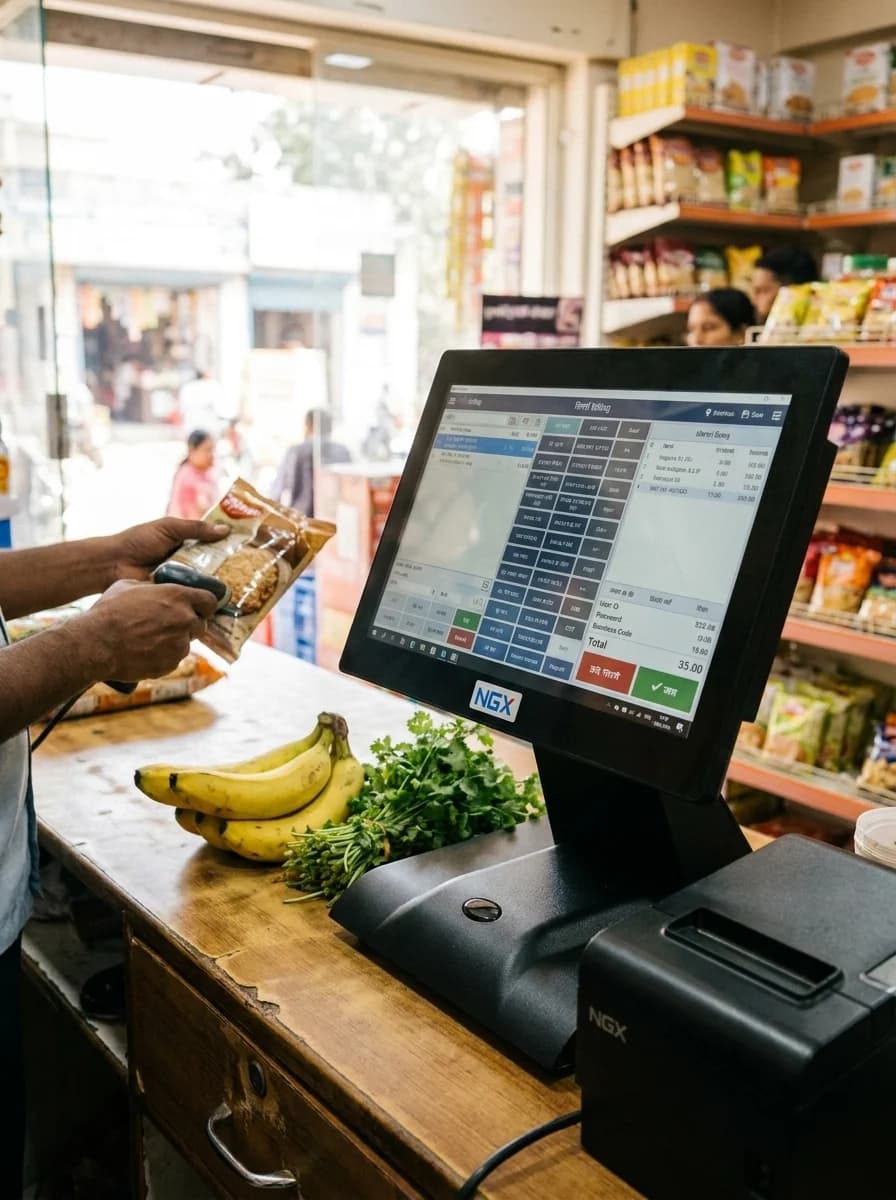
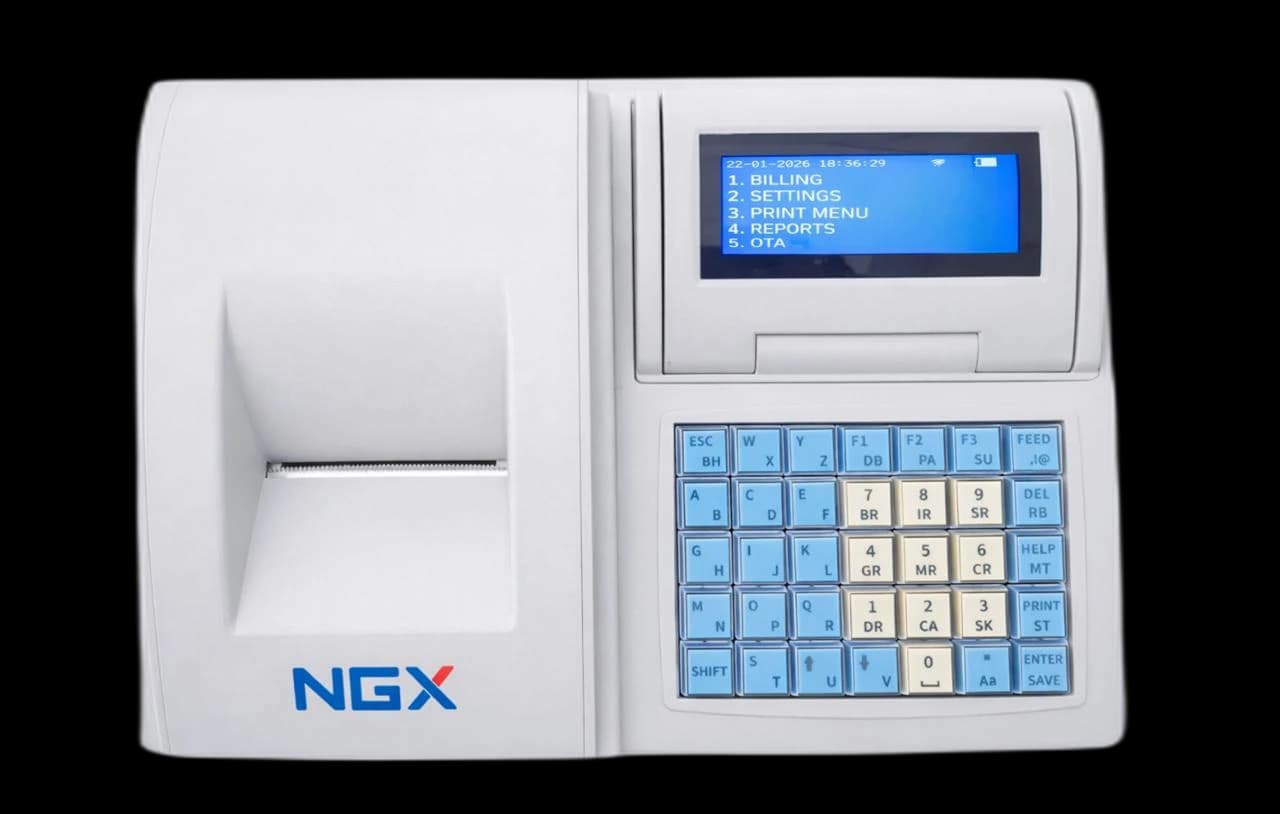
Both a mobile/all-in-one POS and a desktop POS can run a modern retail counter, but they suit different stores. The choice comes down to your software, your footprint and how your staff work.
The all-in-one Android POS
An all-in-one Android POS packs the screen, the billing app and a thermal printer into a single device. It's quick to set up, easy to learn, and keeps the counter clean — ideal for supermarkets, QSRs and busy retail that want simple, fast billing.
The desktop Windows POS
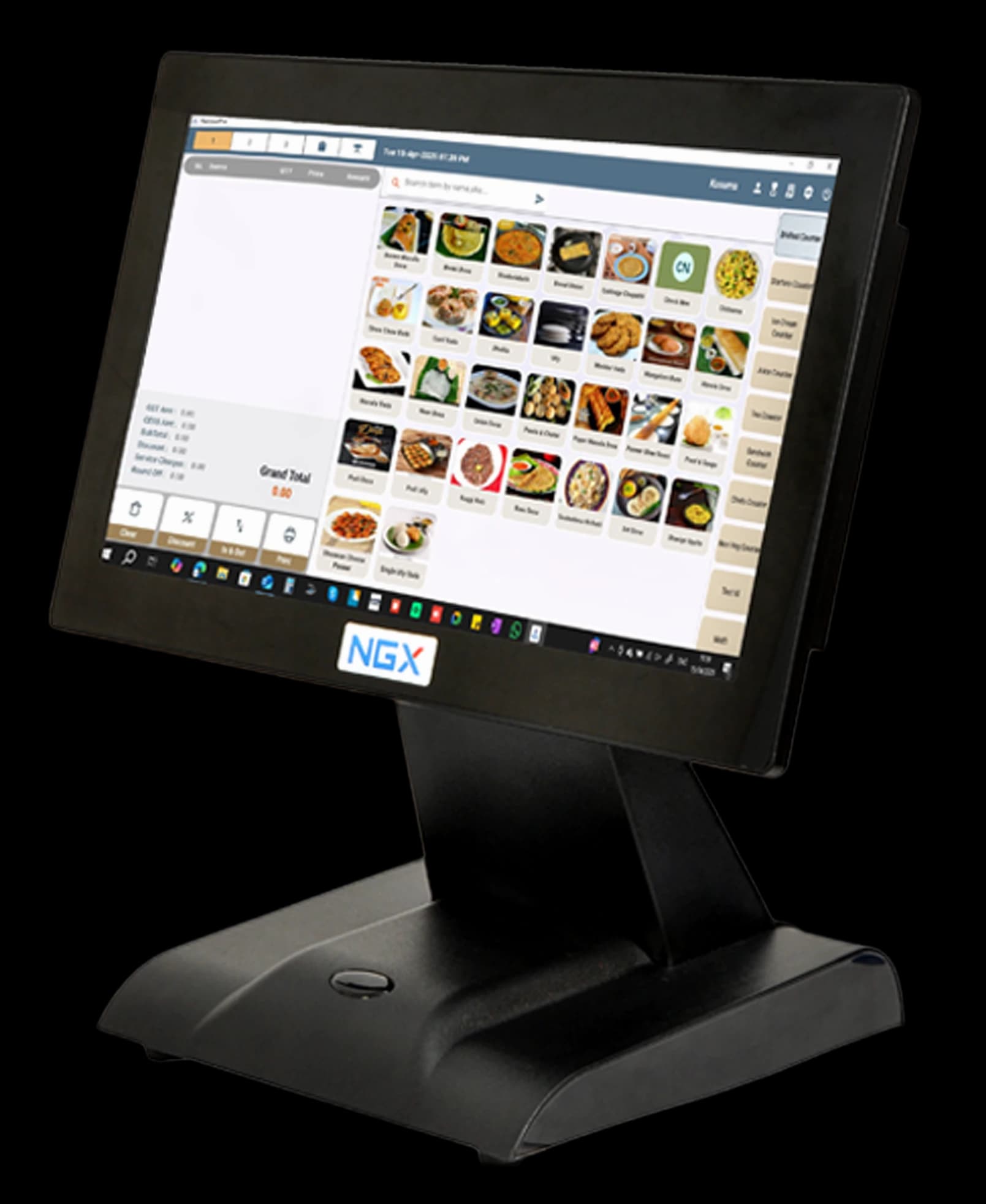
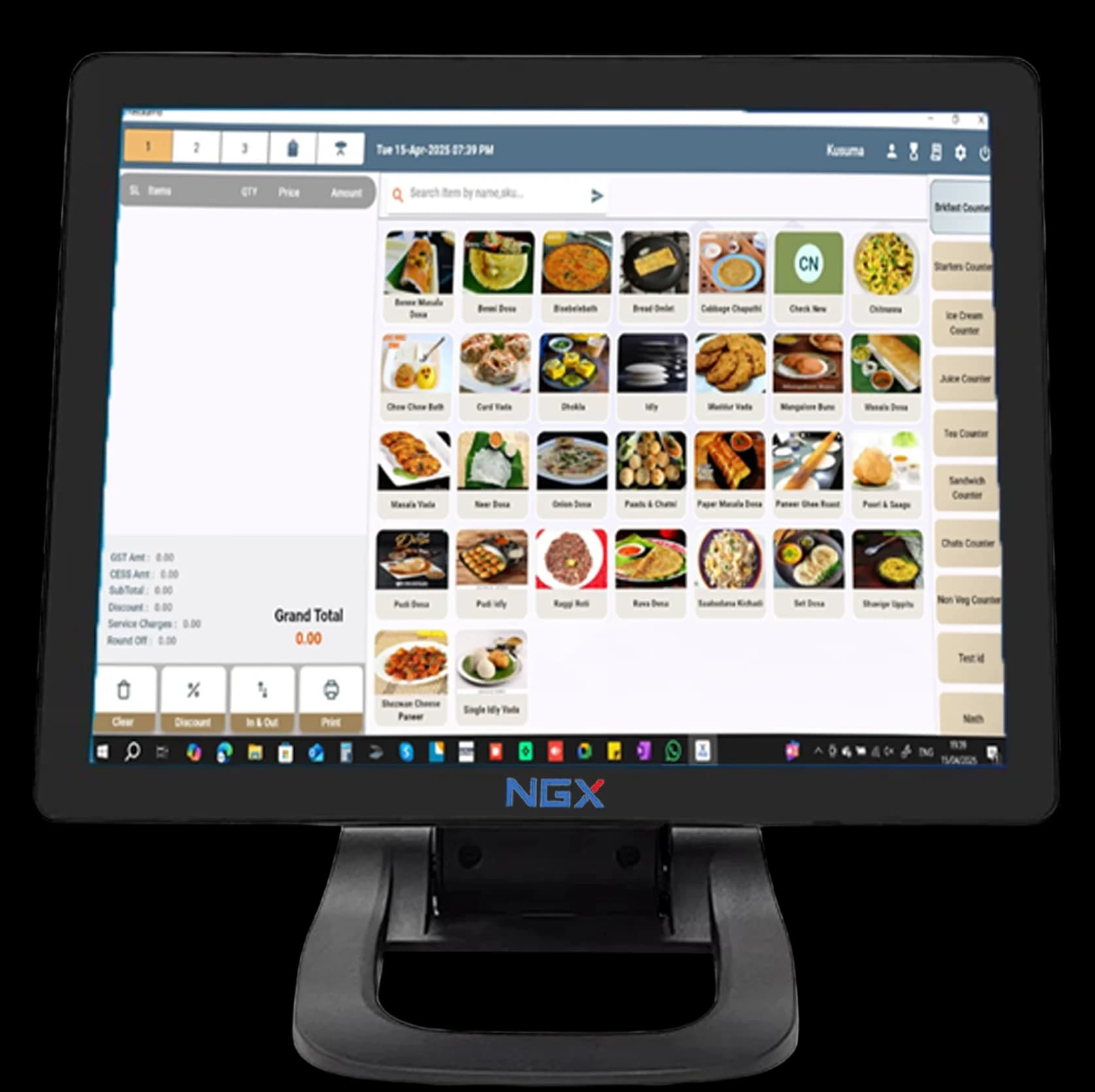
A Windows POS is a full PC with a touchscreen. If your business runs Tally, Marg or a custom ERP, you need that desktop flexibility — the terminal runs the software you already know and connects a separate printer, scanner and cash drawer.
How to decide
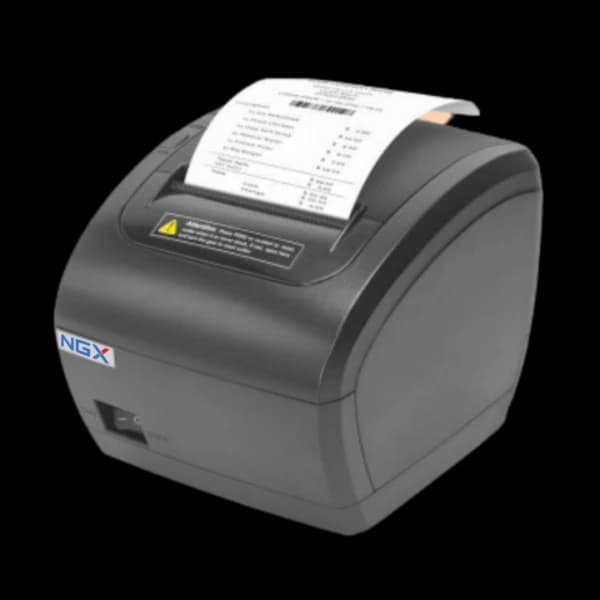
Choose Android if you want a low-fuss counter with no PC to manage. Choose Windows if desktop software or a specific ERP is non-negotiable. Both connect a POS printer over USB, and both should support barcode scanning and GST billing out of the box.